Integrating lybic in dify
This section describes how to integrate lybic into the dify platform to leverage lybic's features to enhance dify's workflow.
Features Provided by lybic in dify
lybic can provide the following features on the dify platform:
- Sandbox Environment: lybic offers a secure sandbox environment, allowing dify users to run code and test applications in an isolated environment without affecting the main system.
- Obtain Sandbox Screenshots: lybic allows dify users to capture screenshots of the sandbox environment for debugging and monitoring purposes.
- Remote Control: lybic provides remote control capabilities, enabling dify users to remotely control applications and services within the sandbox environment via API.
- LLM Natural Language Actions to lybic Sandbox Commands: lybic can convert natural language instructions from dify users (including large language models) into specific operational commands within the lybic sandbox environment, enabling automated task execution.
Installation
Note: You must have dify account permissions that allow you to install dify extensions.
For self-hosted dify instances, you must have permission to add our public key.
- Refer to the official documentation to add the
lybic-difypublic key. - Then, go to the plugin management page of the Dify platform, select to install the plugin via GitHub, enter the repository address, select the version number and package file to complete the installation.
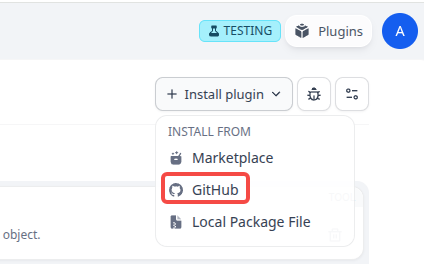
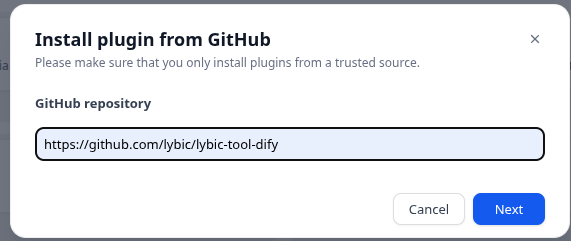
- Enter the repository address:
https://github.com/lybic/lybic-tool-dify
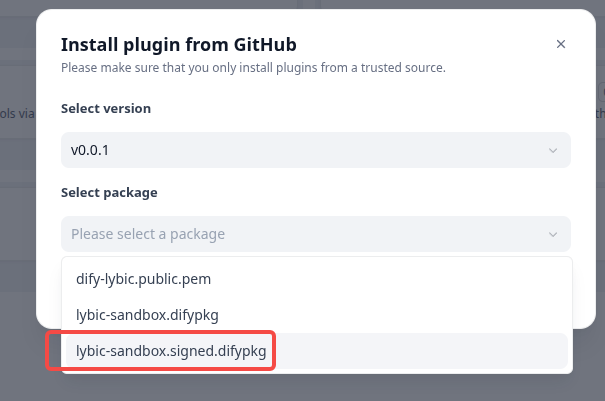
- Select the signed version number and package file, then click install to complete the installation.
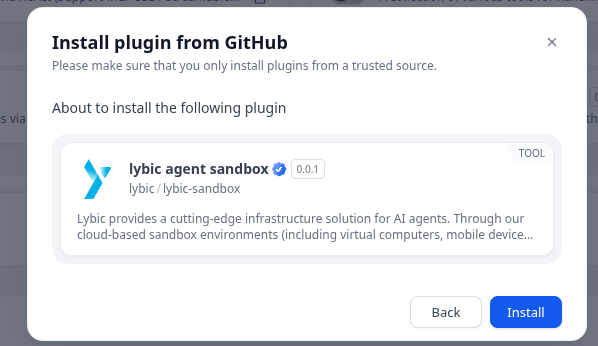
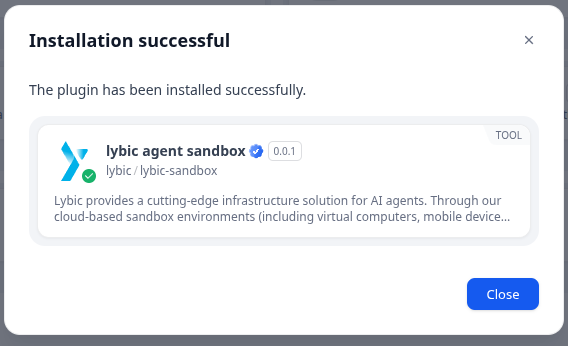
- After installation, you can see the
lybic-difyplugin on the plugin management page of dify.