Linux Sandbox
Linux system sandbox
Lybic offers a GUI sandbox based on Linux, ideal for agents that need to run in a Linux environment. For simple and general-purpose tasks, the Linux sandbox often delivers a smoother experience than its Windows counterpart.
Sandbox Specifications
The Linux sandbox specs are listed below. Contact our business team if you need custom configurations:
| Spec Name | CPU Cores | Memory | Disk Space | ShapeID | Billing Multiplier | Use Case |
|---|---|---|---|---|---|---|
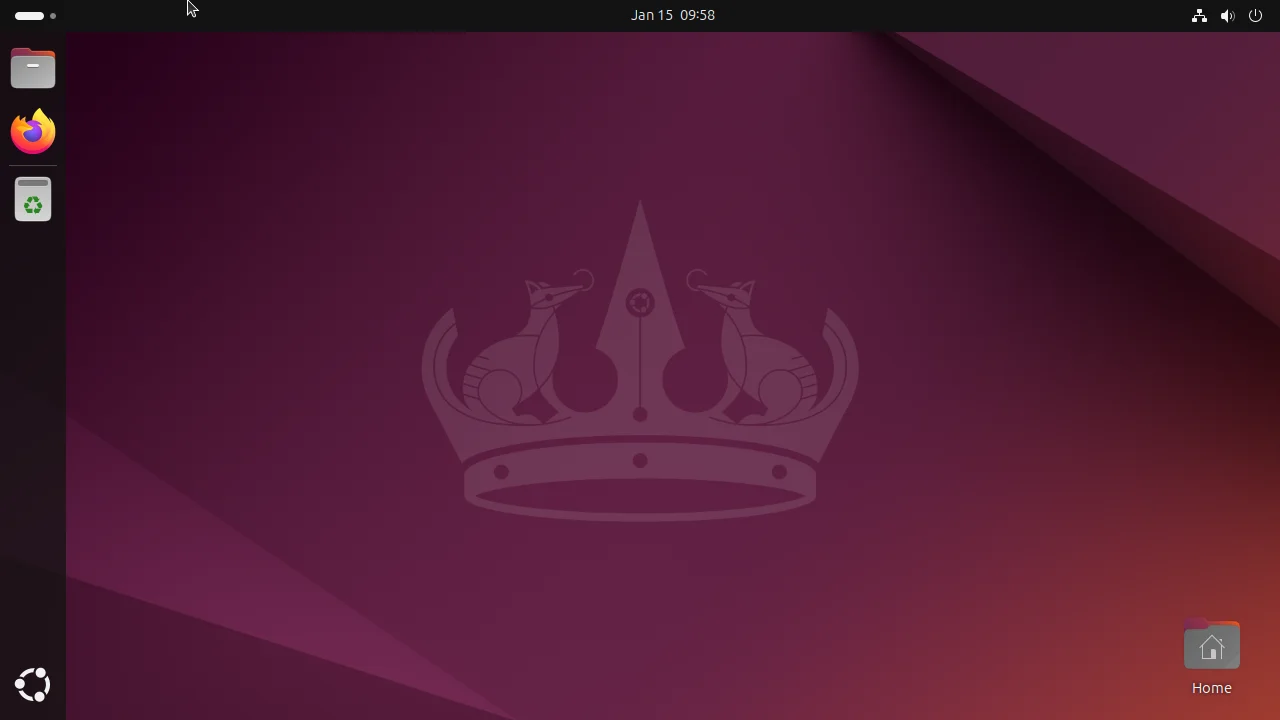
| Standard Desktop Linux (Ubuntu 24.04) | 2 | 4GB | 50GB (≈40GB usable) | beijing-2c-4g-cpu-linux | 1x | General-purpose, low-load tasks |
Preinstalled Software
To help users and agents get started more easily, the Linux sandbox comes preloaded with commonly used software:
- OS: Ubuntu 24.04 with GNOME
- Browser: Firefox 140.0-esr
- Office Suite: LibreOffice 24.2.7.2 420(Build:2)
- Developer Tools: Python 3.12.3, Node.js 24.12, Golang 1.25, Rustlang 1.92, Playwright 1.57 (includes headless browsers; no need to run
install), Java OpenJDK 25.0.1 - Other Utilities: Git 2.43, bash 5.2.21, cURL 8.5.0, htop, OpenSSH Client 9.6p1, Vim 9.1, Remmina 1.4.35, rclone 1.60.1
- Selenium Server: 4.40.0 (Browser automation)
/usr/local/binary/selenium-server.jar
- Selenium Server: 4.40.0 (Browser automation)
User Information
The desktop environment and services run as a non-root user by default:
- Username:
agent - Password:
password
Use sudo whenever you need root privileges; it is configured to elevate without prompting for the user password.
To switch to the root user manually, run:
su root- Root password:
password
Using the Linux Sandbox
Create and manage Linux sandbox instances via the console or through the Lybic API (SDK). After creating a sandbox, you can connect to the Linux desktop interactively using the lybic Console, lybic Streaming SDK, or lybic Streaming iframe to write code, test, and debug.