Windows Sandbox
Windows system sandbox
Lybic's Windows sandbox provides an isolated cloud-hosted Windows environment so you can run and test code without affecting your host machine. This article covers the main capabilities and how to use the Lybic Windows sandbox.
Sandbox Specifications
Standard users can choose from predefined specs to meet their computing needs. The Windows sandbox specs below are currently available; contact our business team if you need custom configurations:
| Spec Name | CPU Cores | Memory | Disk Space | ShapeID | Billing Multiplier | Use Case Description |
|---|---|---|---|---|---|---|
| Standard Windows 10 Sandbox | 2 | 4GB | 50GB (≈17GB free) | beijing-2c-4g-cpu | 1x | Suitable for lightweight agent tasks and testing environments |
Preinstalled Software
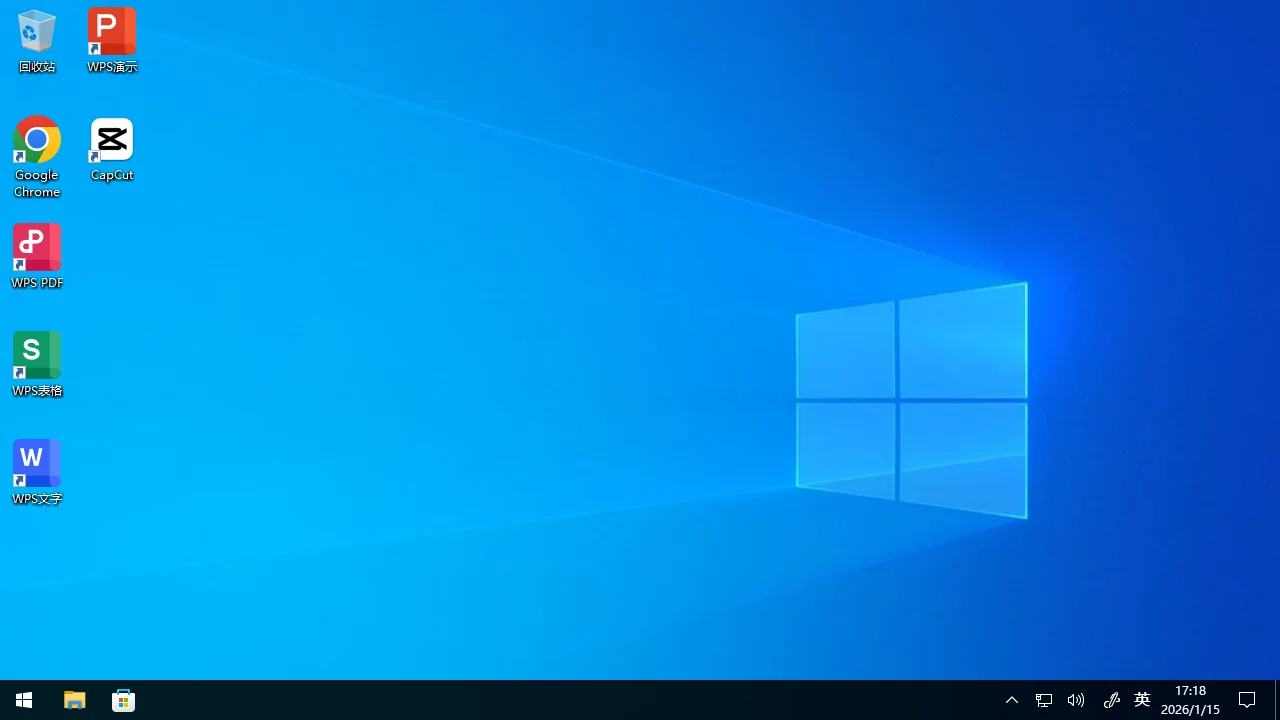
The Windows sandbox ships with a number of preinstalled apps to simplify development and testing:
| Software | Category | Version | Install Path | Launch Command (omit full path if already in PATH) | Notes |
|---|---|---|---|---|---|
| Windows | OS | 22H2 10.0.19045.6218 | - | - | - |
| Google Chrome | Browser | 131.0.6778.205 | C:\Program Files\Google\Chrome\Application | C:\Program Files\Google\Chrome\Application\chrome.exe | Default browser |
| WPS Office | Office Suite | 12.1.0.15374 | C:\Program Files (x86)\Kingsoft\WPS Office | C:\Program Files (x86)\Kingsoft\WPS Office\ksolaunch.exe | - |
| CapCut | Multimedia | 6.5.0.2562 | C:\Users\Administor\AppData\Local\CapCut\Apps | C:\Users\Administor\AppData\Local\CapCut\Apps\CapCut.exe | Video editing software |
| Visual Studio BuildTools | Dev Tool | 2026 (18.1.1) | C:\Program Files (x86)\Microsoft Visual Studio\18\BuildTools | C:\Program Files (x86)\Microsoft Visual Studio\18\BuildTools\VC\Auxiliary\Build\vcvars64.bat | Run the bat script to activate environment variables and tools |
| Python | Dev Tool | 3.13.11 | C:\coding\miniconda3 | python, pip, pip3, uv, conda-env, conda | Default interpreter is Anaconda Python with uv package manager installed |
| Node.js | Dev Tool | 24.12.0 | C:\coding\nodejs | node, npm, npx, corepack | JavaScript runtime |
| Java | Dev Tool | 25.0.1 | C:\coding\jdk | java javac javadoc javap jcmd jconsole jdb jfr jshell | - |
| Golang | Dev Tool | 1.25.5 | C:\coding\go\bin | go, gofmt | - |
| Rust | Dev Tool | 1.92 | C:\coding\rust | cargo, rustc, rustdoc, rustfmt, rust-analyzer, rust-gdb, rust-lldb | - |
| Playwright | Dev Tool | 1.57 | C:\coding\nodejs\node_modules\playwright | playwright | Includes bundled headless browsers; no install required |
| 7-Zip | Compression | 24.09 | C:\Program Files\7-Zip | 7z | - |
| Git | Version Ctrl | 2.52.0 | C:\coding\git\cmd | git | - |
| ash shell | Shell | Busybox 1.36 | Provided via Git (Busybox) | ash | Lightweight Unix shell |
| cURL | Network | 8.13 | C:\Windows\System32\curl.exe | curl | - |
| SSH Client | Network | 9.8p1 | C:\Windows\System32\OpenSSH\ | ssh | SSH client |
| rclone | Network | 1.72.1 | C:\coding\binary\rclone | rclone | Cloud storage command-line tool |
| WinFSP | File System | 2.0.23075 | C:\Program Files (x86)\WinFsp | - | Drivers used for file system mounting |
| Selenium Server | Dev Tool | 4.40.0 | C:\coding\binary\selenium-server.jar | java -jar C:\coding\binary\selenium-server.jar standalone | Browser automation server |
Using the Windows Sandbox
Create and manage Windows sandboxes via the console or the Lybic API (SDK). Once a sandbox is created, connect interactively to the Windows desktop using the lybic Console, lybic Streaming SDK, or lybic Streaming iframe to write code, test, and debug.